
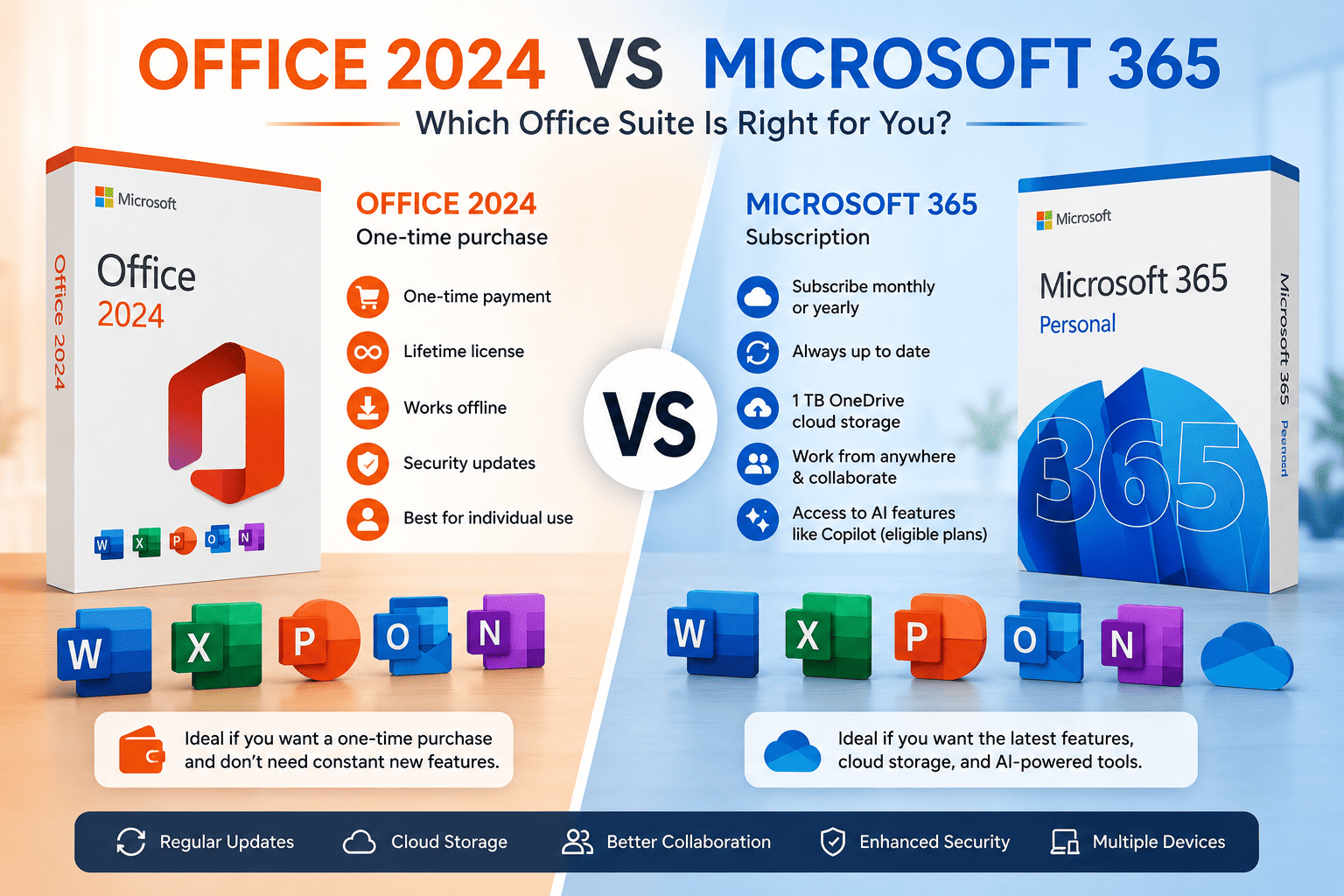
Many people assume that Office 2024 and Microsoft 365 are the same product because they include familiar apps like Word, Excel, PowerPoint, and Outlook. In reality, they follow two completely different licensing models.
Office 2024 is a one-time purchase that gives you a perpetual license for a fixed set of applications. Microsoft 365 is a subscription service that continuously receives new features, security improvements, cloud integration, and AI-powered tools.
The right choice depends on how you use Office, whether you prefer a lifetime license or recurring updates, and whether cloud collaboration is important to your workflow.
This guide compares every major difference so you can confidently choose the version that best suits your needs.
Quick Comparison
| Feature | Office 2024 | Microsoft 365 |
|---|---|---|
| Payment | One-time purchase | Monthly or yearly subscription |
| License | Lifetime | Subscription |
| Feature Updates | No | Yes |
| Security Updates | Yes | Yes |
| Word | Yes | Yes |
| Excel | Yes | Yes |
| PowerPoint | Yes | Yes |
| Outlook | Yes (selected editions) | Yes |
| OneDrive Storage | No | 1 TB per user |
| Microsoft Teams | Basic | Full integration |
| Copilot AI | No | Available with eligible plans |
| Internet Required | Only for activation | Required periodically |
Understanding the Difference
Although both products contain Microsoft’s productivity applications, they serve different users.
Office 2024
Office 2024 is Microsoft’s standalone productivity suite.
After purchasing it once, you own that version permanently.
It includes:
- Word
- Excel
- PowerPoint
- Outlook (depending on edition)
- OneNote
You receive security updates but not future feature upgrades.
Microsoft 365
Microsoft 365 is Microsoft’s subscription platform.
Instead of purchasing software once, you pay monthly or annually and always receive the newest Office experience.
Subscribers receive:
- Latest Office apps
- Cloud storage
- Automatic feature updates
- AI enhancements
- Collaboration tools
- Multi-device licensing
Pricing Comparison
Office 2024
You pay once.
Advantages include:
- No recurring fees
- Lifetime ownership
- Lower long-term cost
- Ideal for users keeping the same PC for years
Microsoft 365
Subscription pricing includes continuous improvements.
You pay for:
- latest features
- cloud services
- AI tools
- multiple installations
- regular upgrades
While subscriptions cost more over several years, they eliminate the need to purchase future Office versions.
Feature Updates
This is the biggest difference.
Office 2024
Feature set remains fixed after release.
Microsoft provides:
- security patches
- bug fixes
- compatibility updates
New productivity tools introduced in future versions are not added.
Microsoft 365
Subscribers automatically receive:
- new Excel functions
- PowerPoint improvements
- Outlook enhancements
- collaboration updates
- performance optimizations
- AI-powered features
Microsoft develops new Office capabilities primarily for Microsoft 365.
Cloud Storage
Office 2024
Office 2024 does not include OneDrive cloud storage.
Users can still connect their own OneDrive account, but storage is not bundled with the license.
Microsoft 365
Each user receives:
- 1 TB OneDrive storage
- automatic backup
- file synchronization
- cross-device access
- secure file sharing
Cloud storage makes Microsoft 365 particularly useful for remote work and collaboration.
AI Features
Artificial intelligence is becoming a major differentiator.
Office 2024
Includes traditional productivity tools but does not include Microsoft Copilot features as part of the perpetual license.
Microsoft 365
Eligible Microsoft 365 plans can access Copilot capabilities, including:
- drafting documents
- summarizing content
- generating presentations
- analyzing spreadsheets
- improving writing
These AI features continue to expand over time.
Performance
Both suites perform similarly because they use the same core Office applications.
Performance depends more on:
- processor
- RAM
- SSD speed
- Windows version
Office 2024 may feel slightly lighter since it has fewer cloud services running in the background, while Microsoft 365 benefits from ongoing performance optimizations.
Collaboration
Office 2024
Suitable for individual users.
Collaboration is possible through manually shared documents but lacks the seamless real-time experience provided by Microsoft 365.
Microsoft 365
Designed for teamwork.
Features include:
- real-time co-authoring
- automatic cloud saving
- shared calendars
- Microsoft Teams integration
- version history
- shared OneDrive folders
Device Installation
Office 2024
Generally licensed for a single PC (depending on the license purchased).
Ideal if you primarily work from one computer.
Microsoft 365
Depending on your subscription plan, you can install Office on multiple devices, including Windows PCs, Macs, tablets, and smartphones.
This flexibility is especially valuable for users who switch between devices.
Internet Requirements
Office 2024
Requires internet only for:
- activation
- occasional validation
- downloading updates
After activation, the apps work offline.
Microsoft 365
Internet access is needed periodically to verify your subscription and sync cloud-based services.
The desktop apps still support offline work for most tasks.
Security
Both products receive security updates.
However, Microsoft 365 users typically receive new security features sooner because the subscription version is Microsoft’s primary development platform.
Pros and Cons
Office 2024 Pros
✔ One-time payment
✔ Lifetime license
✔ No subscription
✔ Works offline
✔ Excellent for home users
✔ Lower long-term cost
Cons
✖ No major feature updates
✖ No included cloud storage
✖ Limited collaboration features
✖ AI features are limited
Microsoft 365 Pros
✔ Always updated
✔ Latest Office features
✔ 1 TB OneDrive storage
✔ Multi-device installation
✔ Advanced collaboration
✔ Access to AI-powered capabilities on eligible plans
Cons
✖ Recurring subscription cost
✖ Periodic internet verification
✖ More expensive over several years
Who Should Buy Office 2024?
Office 2024 is ideal for:
- Home users
- Students
- Freelancers
- Small businesses
- Users who don’t need cloud collaboration
- Anyone who prefers a one-time purchase
If you mainly create documents, spreadsheets, and presentations on a single PC, Office 2024 offers excellent long-term value.
Who Should Buy Microsoft 365?
Microsoft 365 is best for:
- Businesses
- Remote teams
- Content creators
- Professionals
- Families using multiple devices
- Users who want the latest features and AI tools
If you collaborate frequently or want continuous innovation, Microsoft 365 is the stronger option.
Frequently Asked Questions
Is Office 2024 a one-time purchase?
Yes. Office 2024 is purchased once and can be used indefinitely on the licensed device, while receiving security updates during Microsoft’s support period.
Does Office 2024 include OneDrive?
No. It can connect to OneDrive, but cloud storage is not included with the purchase.
Does Microsoft 365 include Office apps?
Yes. Microsoft 365 includes desktop versions of Word, Excel, PowerPoint, Outlook, and other apps, depending on your subscription plan.
Which is cheaper over time?
For users who keep the same PC and don’t need the latest features, Office 2024 is usually more economical. Microsoft 365 may provide better overall value if you benefit from cloud storage, multi-device access, and ongoing updates.
Can I use Office 2024 without the internet?
Yes. After activation, you can use Office 2024 offline for everyday tasks.